What OMS Projects provides
Everything in the table below — from plan to payment — lives on a single platform your team logs into once.
 All capabilities included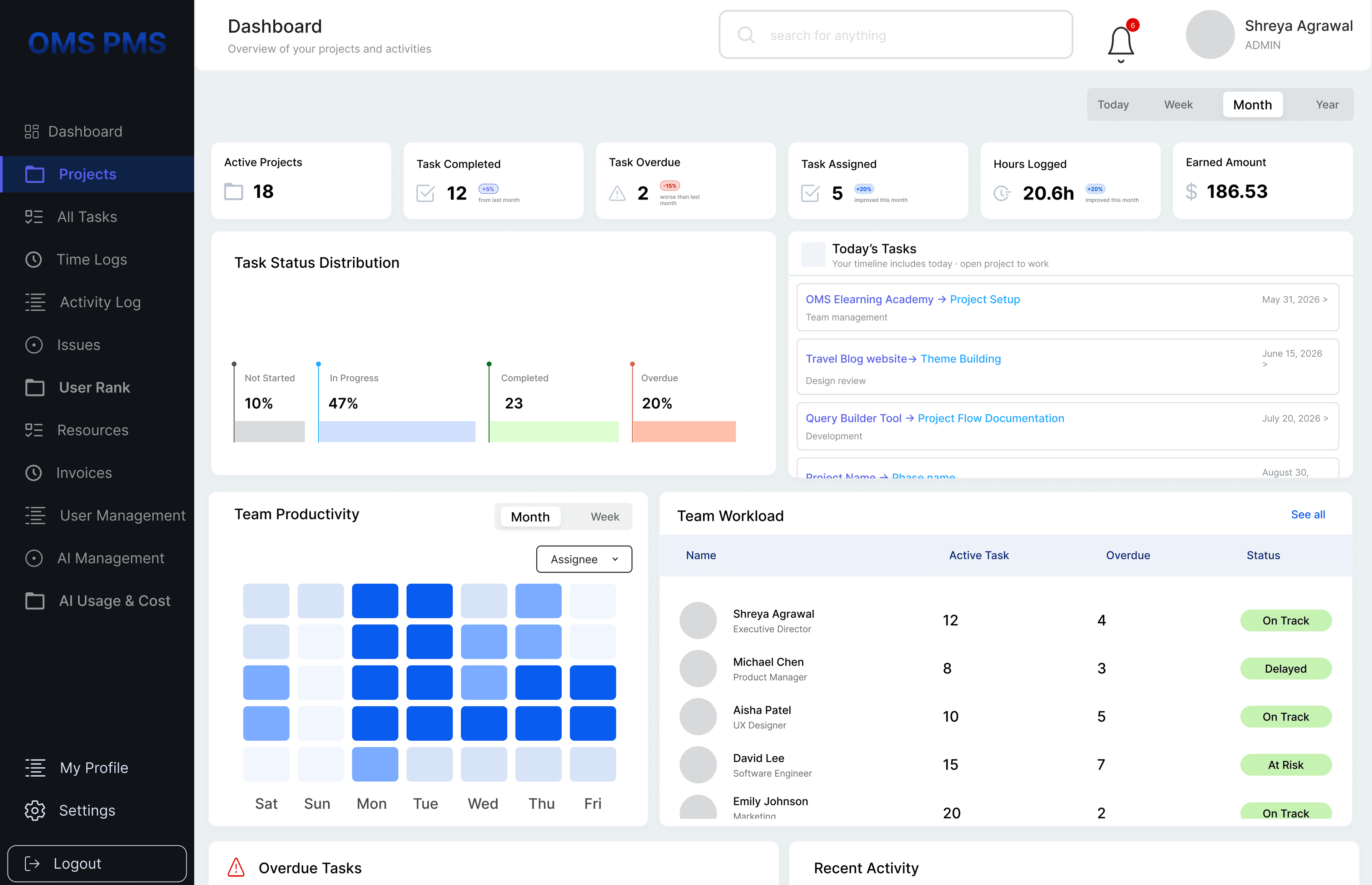
Keep projects, teams, files, tasks, workflows, and communication connected in one organized platform designed to simplify enterprise operations.
Generate professional invoices instantly using project activity, billable tasks, timelines, and client data without switching between multiple tools.
Build resource plans, assign ownership, and monitor team capacity in real time so every project moves forward with the right people at the right stage.
Track planned vs actual spend, manage approvals, and keep every financial decision visible to stakeholders without relying on disconnected spreadsheets.
OMS Projects uses AI-powered automation to streamline task summaries, time tracking, invoicing, and cost insights for smarter, real-time project operations.
Plan work, execute faster, collaborate clearly, track time, manage billing, and keep operations connected across the full flow of work.


OMS Projects brings planning, execution, issues, time, resources, billing, and AI into one workspace — the same outcomes teams chase by subscribing to multiple apps, with less cost and less context switching.
Everything in the table below — from plan to payment — lives on a single platform your team logs into once.
All capabilities includedEnterprises and delivery teams often stack specialized tools — each with its own login, billing, and integrations — to cover the same workflow.
 AsanaPlan & execute work
 JiraIssues & delivery
 SmartsheetPlanning & sheets
 HarvestTime & invoicing
 ClockifyTime tracking
 TeamworkResources & PM
Each row is a workflow area. OMS includes it natively; the typical stack column shows which tools teams add to get there.
| Workflow area | OMS Projects | Typical multi-tool stack |
|---|---|---|
| Plan work | Included | Asana / Smartsheet |
| Execute work | Included | Asana / Teamwork |
| Manage issues | Included | Jira |
| Track time | Included | Harvest / Clockify / Toggl |
| Manage resources | Included | Productive / Scoro / Teamwork |
| Bill clients | Included | Harvest / Scoro |
| Analyze cost and performance | Included | Scoro / Productive |
| Use AI in workflow | Included | Separate tools or add-ons |
Illustrative monthly pricing for a 10-person team — one OMS subscription vs paying for separate tools that overlap in scope.
₹799/user/month
Team total (10 users): ₹7,990/month
One bill. One platform. No integration tax.
View team pricing →Stack total₹3,996/user/month
Team total (10 users): ₹39,960/month
Illustrative list prices per user/month (INR). Actual spend varies by plan, seats, and add-ons.
For a 10-person team, that's roughly ₹31,970 less per month with OMS Projects (80% vs this illustrative stack).
Competitor pricing is shown for comparison only and changes by vendor plan. Update figures in src/data/workStackComparison.ts when you have approved list prices.